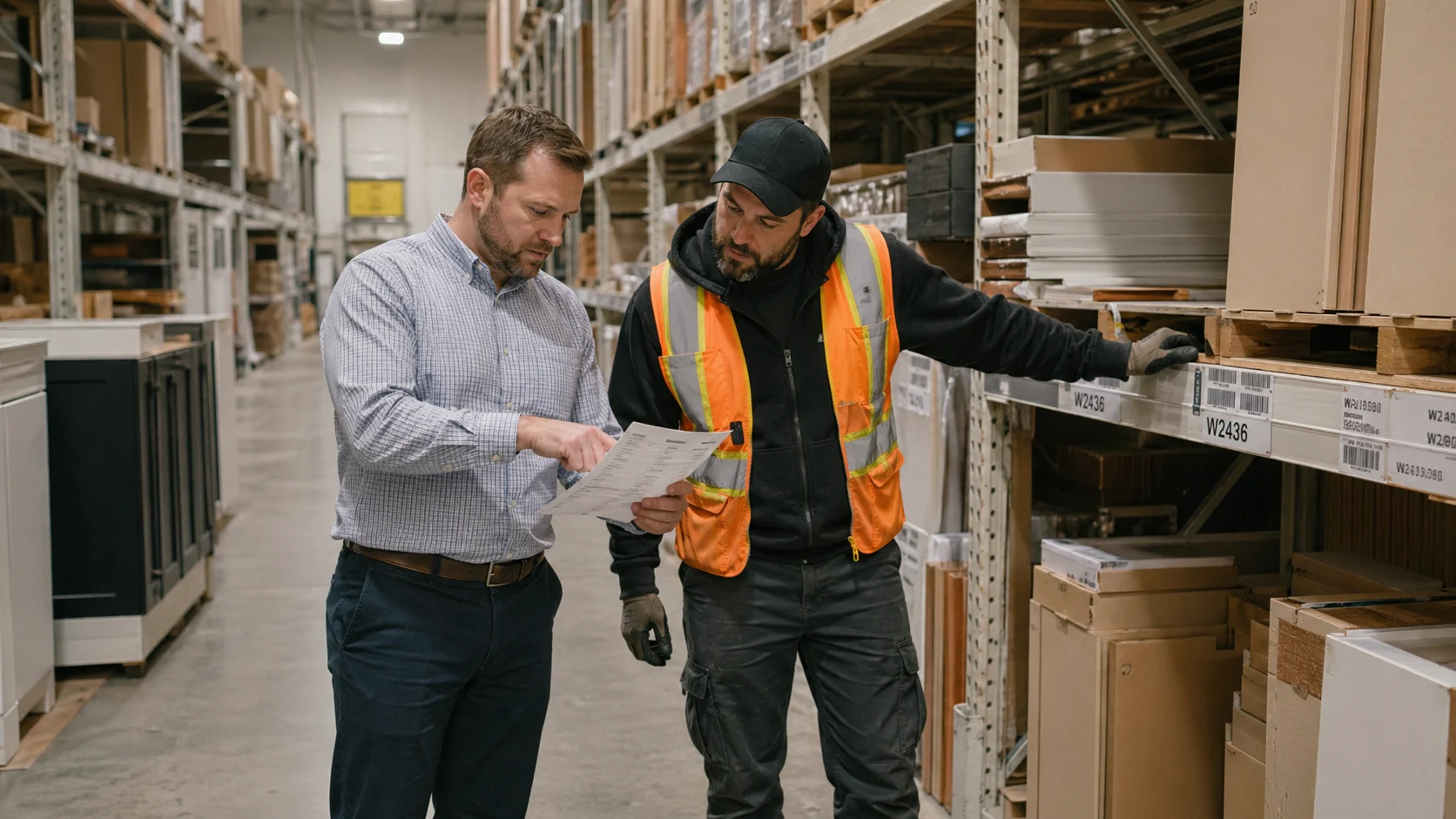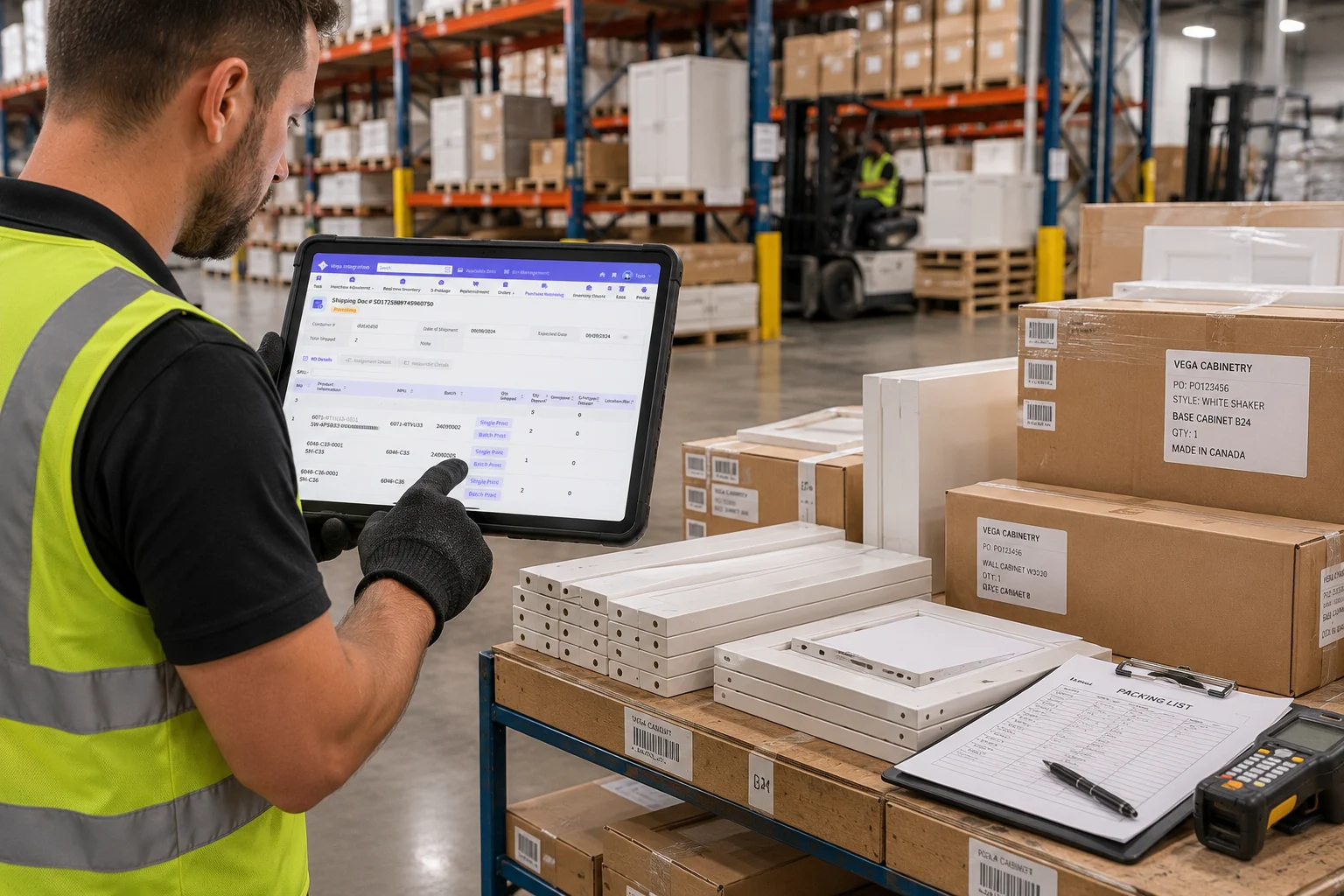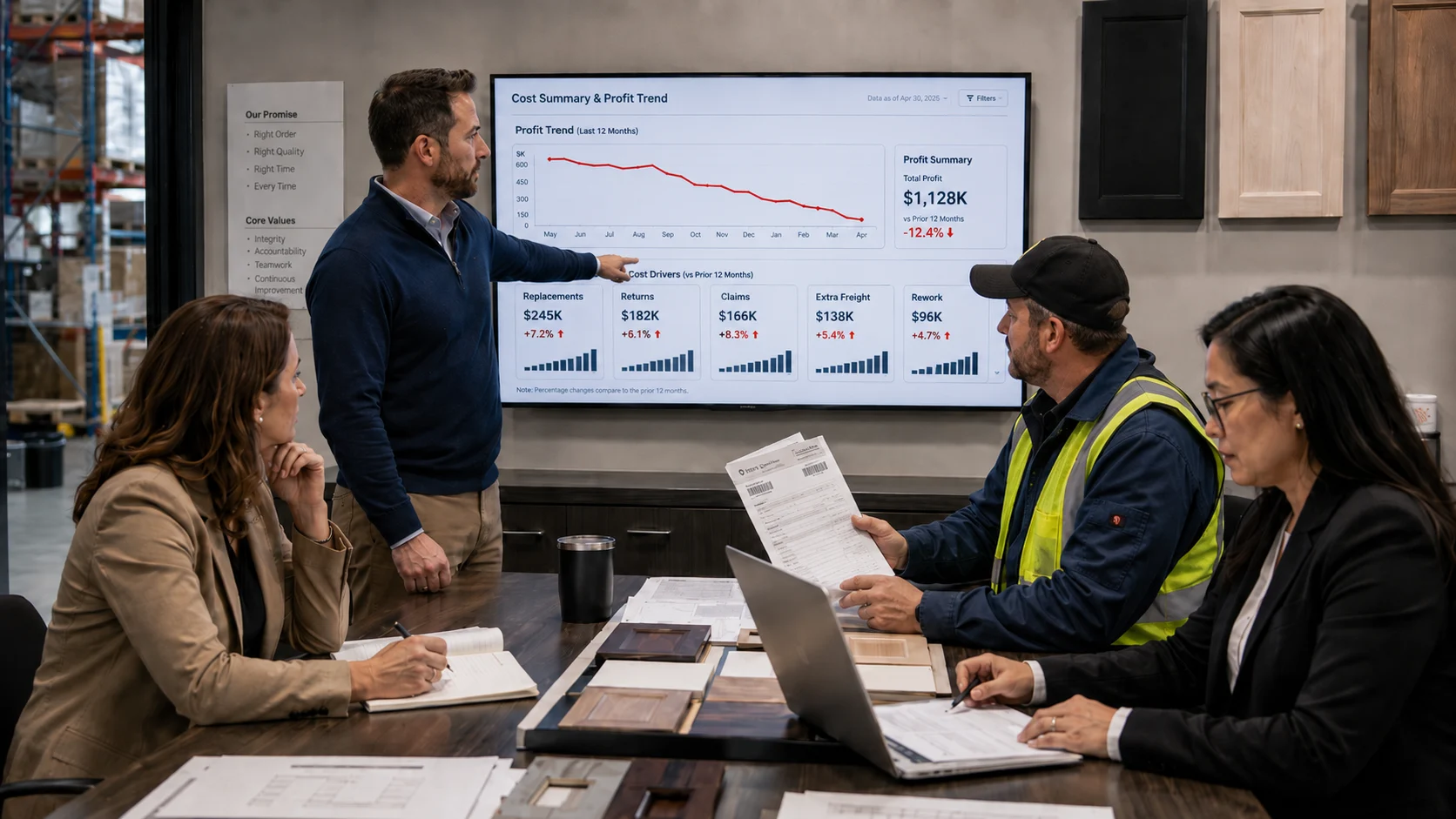

A cabinet industry professional described the challenge in a post to Reddit's r/cabinetry community:
“The ability to create orders, track orders, and communicate what the status of an order is to our wholesale customers is time consuming.”
The concern is straightforward: creating orders, tracking progress, and explaining order status to wholesale customers can take a significant amount of time.
One practitioner's experience does not represent the entire industry, but it highlights a specific operational problem in cabinet distribution. To answer a dealer's question about order progress or an expected delivery date, a salesperson may need to verify the approved quote, order-release requirements, inventory allocation, backordered items, warehouse progress, and delivery arrangements. When those details are spread across emails, spreadsheets, and disconnected systems, a simple status request can turn into a cross-department investigation.
This article focuses on inventory-driven cabinet wholesale and distribution operations, where warehouse fulfillment is central to the business. Custom cabinet manufacturing also involves shop drawing approvals, engineering, cut lists, CNC programming, production scheduling, and quality control. Retail projects may add field measurements and installation scheduling. Those processes can be connected to an order, but they are outside the primary scope of this article.
Start by Separating Three Types of Status
Cabinet businesses often use “order status” as a catch-all term. In practice, at least three layers should be tracked separately:
- Order approval and release status: Has the quote been approved? Has the order passed review and been released? Have payment, credit, or other internal requirements been satisfied?
- Inventory and warehouse fulfillment status: Has inventory been allocated or reserved? Are backordered items awaiting purchase or stock transfer? Is the order being picked, verified, staged, or held for release?
- Delivery and post-delivery status: Is the order awaiting will-call pickup, with a carrier, or delivered? Has it moved into a claim, return, or replacement-parts process?
A carrier tracking number answers questions about transportation. It does not replace order approval, inventory, or warehouse fulfillment status. Sales teams need access to all three layers to explain why an order is currently at a particular stage.
What Is Cabinet Order Tracking?
IBM defines order management as tracking orders from inception through fulfillment while managing the people, processes, and data connected to those orders. IBM's process includes inventory availability, order verification, inventory promising, fulfillment, delivery or installation services, exchanges, and returns. For a cabinet wholesaler or distributor, an order record should answer at least five questions:
- Where is the order in the business process?
- Which team currently owns the next action?
- What condition or information is still missing?
- When was the status last updated?
- When is the next update expected, or what event will trigger it?
“In process” does not answer these questions. Useful statuses describe a specific business condition, such as “awaiting customer approval,” “inventory allocated,” “backordered: purchasing in progress,” “picking in progress,” or “ready for will call.”
Where Cabinet Orders Commonly Lose Visibility
The Approved Quote Version Is Unclear
Cabinet orders may change as customers revise cabinet boxes, doors, hardware, moldings, accessories, quantities, discounts, or delivery terms. If salespeople circulate multiple Excel files, PDFs, and email attachments, downstream teams must first determine which version the customer actually approved.
The sales order should reference the final approved quote. Any subsequent change to price, quantity, or product selection should record the date of the change, who made it, and the newly approved terms. The approval workflow should follow each company's policies.
“In Stock” Does Not Mean “Available for This Order”
On-hand inventory, allocated or reserved inventory, available-to-promise (ATP) inventory, and inbound or on-order inventory represent different quantities. Vega's product materials identify inventory allocation details and inventory allocation and bin management as supported capabilities. IBM also includes inventory availability and inventory promising in the order-management process.
If sales can see only the total quantity in the warehouse, but not the quantity committed to other orders, the team may promise an unrealistic delivery date. When orders and inventory are not synchronized, missing items may not be discovered until picking or final shipment verification.
Department Handoffs Depend on Manual Updates
In a Facebook discussion among cabinet professionals, one practitioner explained that their system was used to coordinate next-step work across the door, cabinet assembly, CNC, and installation teams and to track completed work. This is an individual user report, not an industry statistic, but it illustrates the operational value of status management: the next team can see what has already been completed instead of asking for another update.
In inventory-based wholesale operations, similar handoffs occur among sales, purchasing, accounting, warehouse, and delivery teams. As order volume or the number of participants grows, relying on email and separately maintained spreadsheets increases the coordination required to keep everyone aligned.
Post-Delivery Issues Become Disconnected from the Original Order
In another response from the same discussion, a practitioner described tracking completed punch-list work and distinguishing warranty work from upcharges and change orders. Vega's product materials and public product page also list claims, returns, order changes, return merchandise authorization (RMA) management, and post-delivery resolution workflows.
Delivery does not always mean the work is complete. Damaged items, shortages, mis-shipments, replacement parts, returns, and claims should remain linked to the original sales order so the business can compare what was ordered, what was delivered, who owns the issue, and how it was resolved.
An Eight-Stage Reference Workflow for Cabinet Wholesale Orders
Shopify's order fulfillment guide describes a general process that includes receiving inventory, order intake, picking and packing, shipping, and handling returns. Cabinet wholesale operations also need to manage quote versions, inventory allocation, purchasing or transfers for backorders, will-call pickups, and post-delivery cases.
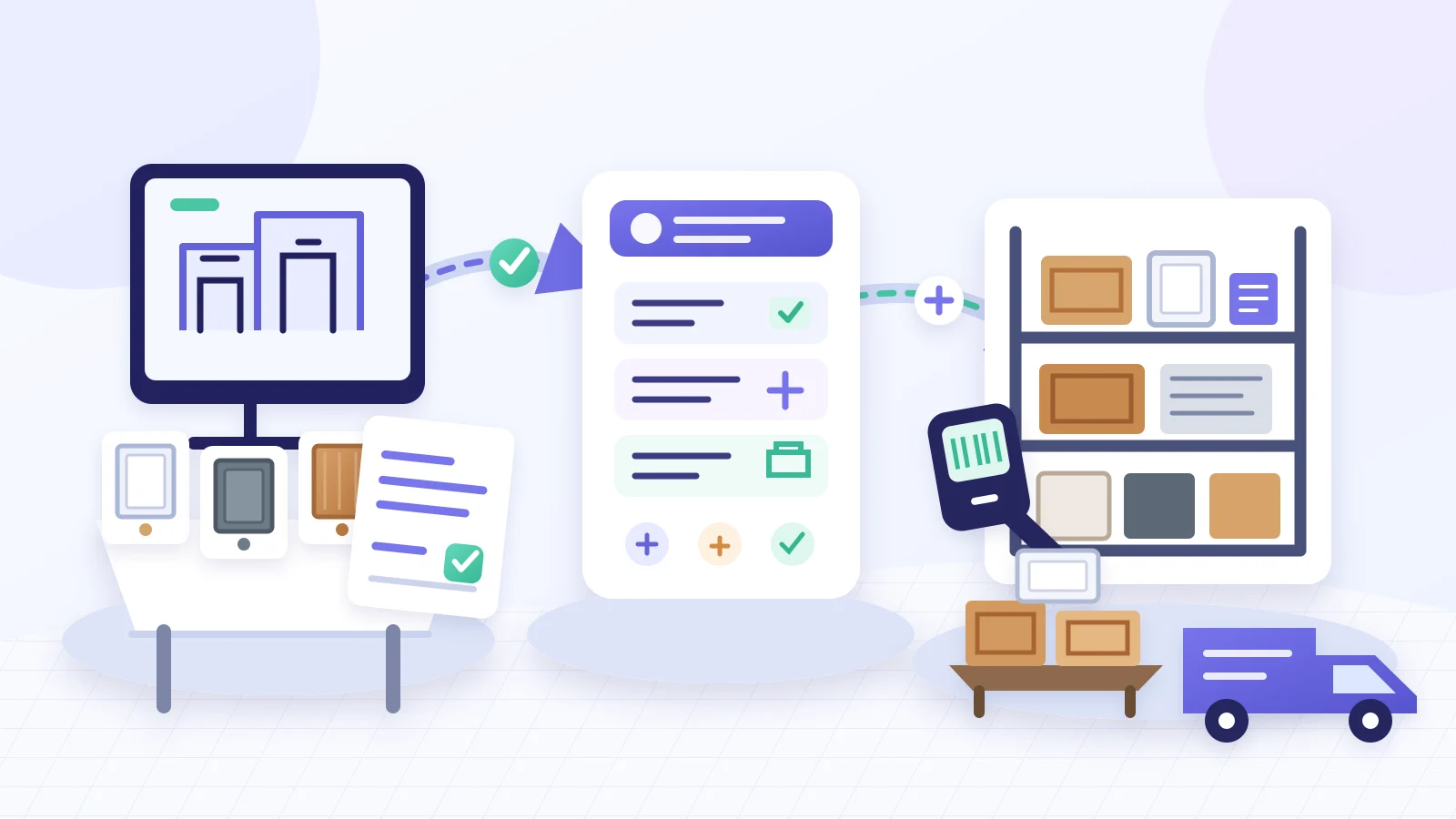
Based on those operating requirements, the workflow below organizes cabinet wholesale order tracking into eight reference stages. These stages are a process-planning framework developed for this article, not fixed status names in the Vega interface. Each company should define statuses around its own approval, credit, warehouse, and delivery rules.
| Reference stage | What must be confirmed | Information that may be shared with dealers, subject to permissions |
|---|---|---|
| 1. Quote approval | Products, quantities, pricing, discounts, and additional charges are approved | Quote status, version, and outstanding approvals |
| 2. Order review and release | Customer information, payment, credit, and internal release requirements are satisfied | Whether the order is confirmed and whether customer action is required |
| 3. Inventory allocation | Cabinet boxes, doors, hardware, moldings, and accessories are allocated to the order | Allocated items and backordered lines |
| 4. Backorder resolution | Whether purchasing, a stock transfer, a product substitution, or a revised delivery plan is required | Backordered lines, the next update date, and available options |
| 5. Picking and verification | Warehouse picking, quantity checks, and item verification are complete | Fulfillment progress and unresolved exceptions |
| 6. Delivery or will-call scheduling | Date, method, address, contact, and carrier details are confirmed | Scheduled delivery or will-call information |
| 7. Handoff and proof of delivery | Shipment release, carrier handoff, pickup, and delivery confirmation are recorded | Shipment, pickup, or proof of delivery status |
| 8. Claims, returns, and replacements | Whether the order requires a claim, RMA, replacement part, or adjustment | Case type, ownership, and resolution progress |
Not every order must move through every stage in this exact sequence. An in-stock order may bypass backorder resolution. An order with no post-delivery issue will never enter stage eight. The order of credit review and inventory allocation may also vary by company policy. Businesses that allow partial shipments should separately track what has shipped and what remains open.
Three principles help keep statuses useful:
- One status should communicate one clear business condition. “In process” should not simultaneously mean awaiting payment, waiting for a purchase order, and being picked in the warehouse.
- Every status should have entry and exit criteria. For example, “inventory allocated” should mean that quantities have actually been committed to the order lines.
- Exceptions should be tracked separately from normal progress. Backorders, customer changes, credit holds, and failed deliveries should not exist only in free-form notes.
What Information Should Be Consolidated on the Order?
| Information category | Key information |
|---|---|
| Account and job | Customer or dealer account, job or project name, ship-to address, contact, and salesperson |
| Quote and changes | Final approved version, pricing, discounts, quantities, substitutions, and change history |
| Status and ownership | Current status, responsible team or owner, last update, outstanding condition, and next expected update |
| Items and inventory | Cabinet boxes, doors, hardware, moldings, accessories, allocated quantity, available-to-promise quantity, and inbound or on-order quantity |
| Backorder handling | Backordered lines, purchasing or transfer status, next update date, and resolution plan |
| Release and delivery | Order-release status, delivery or will-call schedule, address, contact, and proof of delivery or pickup |
| Post-delivery records | Damage, shortage, mis-shipment, replacement, RMA, claim, warranty or billable designation, and resolution |
Adding more fields does not automatically improve efficiency. The objective is to give sales, purchasing, warehouse, and customer-service teams one current order record while avoiding duplicate entry across quote, order, and warehouse spreadsheets.
What System Capabilities Support Order Tracking?
Based on the Vega One product page and Vega's official product materials, the capabilities relevant to this workflow span the B2B customer experience, back-office management, and warehouse execution:
| Operational layer | Publicly documented capabilities relevant to this article |
|---|---|
| B2B customer experience | B2B self-service ordering and payment, inventory visibility, real-time order status, shipment tracking, and claim or RMA status |
| Back-office management | Order and RMA management, procurement and logistics management, backorder management, role-based access, and audit logs |
| Warehouse execution | Real-time inventory tracking, inventory allocation and bin management, digital order fulfillment, procurement workflows, barcode scanning, order changes, combined shipping, and RMA processing |
The product materials also state that the eCommerce website, company management platform, and warehouse management system synchronize data. For order tracking, this allows customer-facing activity, internal processing, and warehouse tasks to remain linked to and update the same order record.
However, the status names a company uses, the person responsible for each stage, and the events that trigger notifications still need to be configured around the actual operating process. Those details cannot be inferred from a feature list alone.
How Order Visibility Affects the Dealer Experience
The 2022 study Order Tracking Systems: An Analysis of B2B Customer Satisfaction was based on interviews conducted in Portugal in 2021 with 12 logistics professionals from different industries who had experience with tracking systems. The study focused on B2B transportation and logistics, not the U.S. cabinet industry. Participants most frequently highlighted time savings and faster access to information.
The research supports a limited conclusion: timely, understandable order information can reduce the time B2B customers spend requesting updates. It does not prove that a particular cabinet software platform will produce a specific increase in customer satisfaction, nor does it suggest that every dealer should see the same data.
Dealer-facing updates may include:
- Whether the order has been confirmed and released;
- Which items are allocated and which lines remain backordered;
- When the next backorder or fulfillment update is expected;
- Whether delivery or will-call arrangements have been confirmed;
- Whether the dealer needs to approve, pay, or provide additional information;
- The current status of a claim, RMA, or replacement request.
Cost, supplier information, internal notes, and inventory allocated to other customers should remain restricted to authorized internal users. The purpose of visibility is to reduce uncertainty for the dealer, not to expose sensitive operating data.
Why Order Status Can Still Be Wrong After Software Goes Live
The study Antecedents of Supply Chain Visibility in Retail Supply Chains found that supply chain visibility depends on both technology and non-technology factors. A system can connect data and support workflows, but reliable status information still depends on how the business defines and follows its processes.
Common problems include:
- Status definitions are inconsistent. Sales, accounting, and warehouse teams may interpret “confirmed” or “ready to ship” differently.
- Critical changes remain outside the system. Customer approvals, pricing changes, substitutions, and delivery updates exist only in email or chat messages.
- Status updates are disconnected from the work. Employees must re-enter too many fields, so the system record no longer reflects current purchasing or warehouse activity.
- Master data and open-order data contain errors. Item numbers, kit or component relationships, prices, inventory balances, and open orders were not validated and cleaned before implementation.
- The configured workflow does not match actual operations. The company's real will-call, delivery, backorder, and claim processes are not reflected in the system.
Before go-live, the team should test several representative scenarios: an in-stock order, an order with backordered lines, an order changed by the customer, and an order that includes a replacement or return.
Customer Example: Everlasting Cabinetry
According to Vega's published Everlasting Cabinetry customer story, the company faced disconnected data across sales, warehouse, and management teams, along with manual reconciliation, repeated communication, and manual data entry. The page states that, after three years of working with Vega, Everlasting had connected orders, inventory, warehouse operations, and online sales within one connected platform.
The page reports:
- Inventory accuracy above 98%;
- 40% faster order processing;
- Approximately 15 hours of manual reconciliation saved per week;
- A 30% reduction in warehouse errors.
These figures come from a Vega-published customer story. Because the page does not disclose calculation methods, a baseline period, or an independent audit, the figures should be treated only as results reported for this customer. They are not industry averages and do not imply that another business will achieve the same level of improvement.
Audit the Current Process with a Real Order
Select one anonymized order and trace it from quote approval through post-delivery resolution:
- Can the team immediately find the final approved quote and all later changes?
- Can sales distinguish on-hand, allocated, and available-to-promise inventory?
- Do backordered lines have a purchasing, transfer, or other resolution record?
- Does warehouse progress come from actual tasks rather than a salesperson's estimate?
- Are delivery, will-call, and proof-of-delivery records connected to the order lines?
- Can claims, returns, and replacement parts be traced back to the original item and delivery record?
If the answer to several questions is no, review whether the order record reflects the work actually taking place. The problem may extend beyond the design of a single spreadsheet.
Conclusion
Effective cabinet order tracking is not about adding more status labels. It requires the business to distinguish order approval and release status, inventory and warehouse fulfillment status, and delivery and post-delivery status, with each status tied to real data, a responsible owner, and clear business conditions.
For inventory-based cabinet wholesalers, the first question should not be how many features a software platform offers. Start with one real order and ask whether it can clearly show what the customer approved, which inventory is allocated, how backorders are being resolved, where the warehouse is in the fulfillment process, and whether post-delivery issues remain traceable.
Source Note
This article references public Reddit and Facebook discussions among cabinet professionals, Vega's official product materials and website, and sources from IBM, Shopify, and academic research. Community discussions are used to illustrate real operational concerns, not to estimate market size or the frequency of those concerns across the industry.
References
- Reddit: Cabinetry order software
- Facebook: Cabinet order, installation, and task-tracking discussion
- IBM: What Is Order Management?
- Shopify: Order Fulfillment Process and Strategy Guide
- IEEE: Order Tracking Systems and B2B Customer Satisfaction
- Journal of Operations Management: Antecedents of Supply Chain Visibility
- Vega One: Product page
- Vega: Customer success stories